winmy20 Login on phone, laptop or app
Use the Malaysian mobile number you registered with and your password. The form works the same on the website and the app, and the fixes below cover the usual reasons a sign-in stalls.
18+ · Play ResponsiblyWhen the form refuses you: six faults and their fixes
The password is right, the number is right, and yet the screen will not move on. Almost every failed winmy20 login falls into one of the six cases below. Work down the table in order before you contact anyone.
| What you see | Why it happens | What to do about it |
|---|---|---|
| Password rejected on the first try | Caps lock is on, the phone keyboard slipped a space in, or the browser filled an old password saved before your last change. | Retype it by hand. Tap the eye icon to read what is on screen, delete stray spaces at either end, and switch off autocorrect in that field. If it fails twice, reset the password instead of guessing a third time. |
| One-time code never arrives | SMS filtered into a spam folder, weak signal indoors, or the number on file is an old SIM you no longer carry. | Give it a full minute before requesting another code, check the SMS spam folder, and toggle flight mode for ten seconds. Still blank? Sign in through the app, or ask our 24/7 live chat which number is registered. |
| “Account not found” | Extra spaces, the +60 prefix typed twice, or the number saved in a different format at registration. | Type the number with no spaces. Try 0123456789 first, then +60123456789. If both fail, the account may sit under another number and live chat can confirm it after a short check. |
| Page reloads or goes blank | An old cached copy of the page, an outdated app build, or an ad blocker cutting the script that draws the form. | Hard refresh with Ctrl+F5, or clear site data in the browser. On the app, update to version 3.6.2 from the winmy20 app page. Pause blockers for this site, then try a second browser. |
| Signed out right after logging in | Remember me left unticked, battery saver closing the browser in the background, or the same account signing in on a second device. | Tick Remember me on your own phone, allow background data for the browser or app, and keep one device active per session. Leave shared phones free of any saved login. |
| Details correct, access still blocked | Verification not completed, or a safety limit or self-exclusion you set earlier is still running. | Check your email for a verification request and send a clear photo of your NID, passport or driving licence; review takes about 2 hours. Limits and holds are handled by live chat. |
Guarding your account on shared devices
Most account problems we see are not technical. They start with a password reused from another site, or a session left open on a phone that gets passed around the table. Five habits cover almost all of it.
- Keep the password unique Use something you have never typed into another site: letters, numbers and a symbol, eight characters or more. Our staff never ask for it, so treat any request for your password as a fraud attempt.
- Think before you tick Remember me The box is convenient on your own phone and careless on an office laptop or a phone handed around. On shared hardware, leave it unticked and log out each time you finish.
- Type the address yourself Reach the login page by typing winmy20.my in the address bar, not by following a link from a chat group. Check the spelling and the padlock before you enter a password.
- Keep the registered number current Codes and password resets travel to that number. Update it in your profile the week you change SIM, not the night you are locked out and in a hurry.
- Treat every code as private A login code is for your eyes only. Never forward it, screenshot it into a chat, or read it out to someone who claims to work for us; no genuine staff member needs to see one.
Four moves from cold start to dashboard
See the casino lobby-
1
Open the site or the app
Type winmy20.my into the address bar, or launch the app on Android 9.0 and above. Confirm you are on the real page, not a link forwarded to you.
-
2
Key in your registered number
The Malaysian mobile number you signed up with, leading zero included. No spaces needed; 0123456789 and +60123456789 both resolve to the same account.
-
3
Type your password
Passwords are case sensitive, so check the caps lock light and the on-screen keyboard. Tap the eye icon to read what you typed before you send it through.
-
4
Tap Log In and land on your balance
The lobby opens with your balance at the top. From there, enter the casino, pick a slot, or head to the deposit page for a top-up before you play.
Three ways in: which one suits your device
Every route reaches the same account, so choose by convenience rather than features. The table below is the quick version; details on each route follow underneath.
| Sign-in route | Where it works | Best when |
|---|---|---|
| Mobile number + password | Website on phone, tablet and desktop, plus the app | Your default choice. Fastest route if the number on your profile is still the one in your hand. |
| Username + password | Website and app | You would rather not show your phone number on screen in a crowded place, or you share a screen with family. |
| App session | winmy20 app, version 3.6.2, 28 MB, Android 9.0 and above | You play on your own phone. Reopening the app skips the browser entirely, which also removes cache-related sign-in problems. |
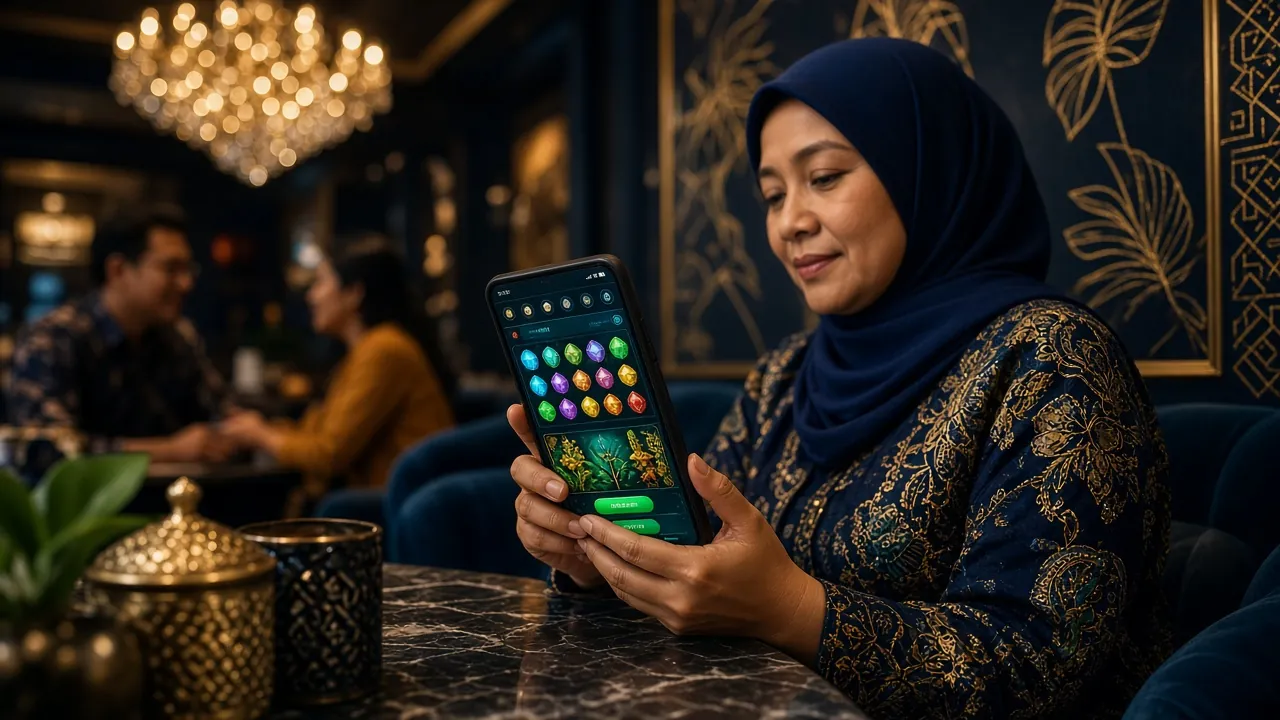
Logging in through the winmy20 app
- Install once, then open straight into the login screen without typing the address again.
- 28 MB download, version 3.6.2, running on Android 9.0 and above.
- No browser cache to clear when the page misbehaves; update the app instead.
Locked out on a match night: resetting your password
The reset route works from the same login form and needs the registered mobile number, not an email address. Three steps, no support ticket required.
-
Ask for the reset once
Tap Forgot password under the password field and key in the number on your winmy20 profile, leading zero included. Submit once; tapping repeatedly can cancel the request already in flight.
-
Confirm with the code on your phone
A one-time code goes to that number. Enter it in the field shown, keep the screen open, and never forward the message. If nothing lands within a minute, check the SMS spam folder and request one more.
-
Set a new password and sign back in
Choose at least eight characters that you have not used on this account before. Log in with it straight away, then save it in your password manager so the next reset is unnecessary.
Sign-in answers, without the runaround
Why does winmy20 login say my password is wrong when I know it is right?
Nine times out of ten it is a case or a spacing issue: a capital letter left over from an earlier attempt, a trailing space from the phone keyboard, or a saved password from before your last reset. Retype it by hand with the eye icon on. If two careful attempts fail, reset the password rather than trying a third.
I changed my mobile number. Can I still get into my account?
If you still hold the old SIM, log in and update the number in your profile first. If that SIM is gone, contact 24/7 live chat with your NID, passport or driving licence ready. The team verifies identity before swapping the number on file, which protects the account from being taken over.
Is it safe to tick Remember me on the login form?
Only on a device nobody else uses. Remember me keeps the session open, which is handy on your own phone and careless on a shared laptop or a phone passed around the table. On shared hardware, log out at the end of every session and clear the browser now and then.
The app keeps asking me to sign in again. What should I check?
Update to app version 3.6.2 first, because older builds lose the saved session. Then confirm battery optimisation is not closing the app in the background, and that cleanup tools are not wiping its data. If both are in order, reinstall from the winmy20 app page.
Can I stay logged in on two devices at the same time?
Usually yes, though signing in somewhere new may end the session on the older device. That is normal and it works in your favour: if you spot a session you do not recognise, change the password right away, log out everywhere, and tell live chat so activity can be reviewed.
What should I sort out after my first successful login?
Complete verification with your NID, passport or driving licence; review takes about 2 hours and it is required before your first withdrawal. Then check your profile number and email, set your deposit limits, and note the minimum withdrawal of RM140 with 14-minute processing.